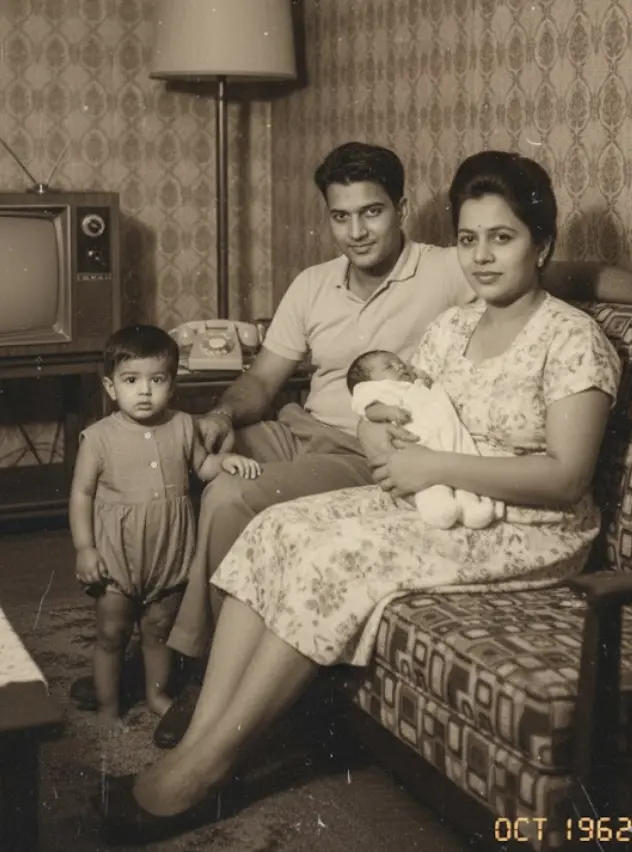
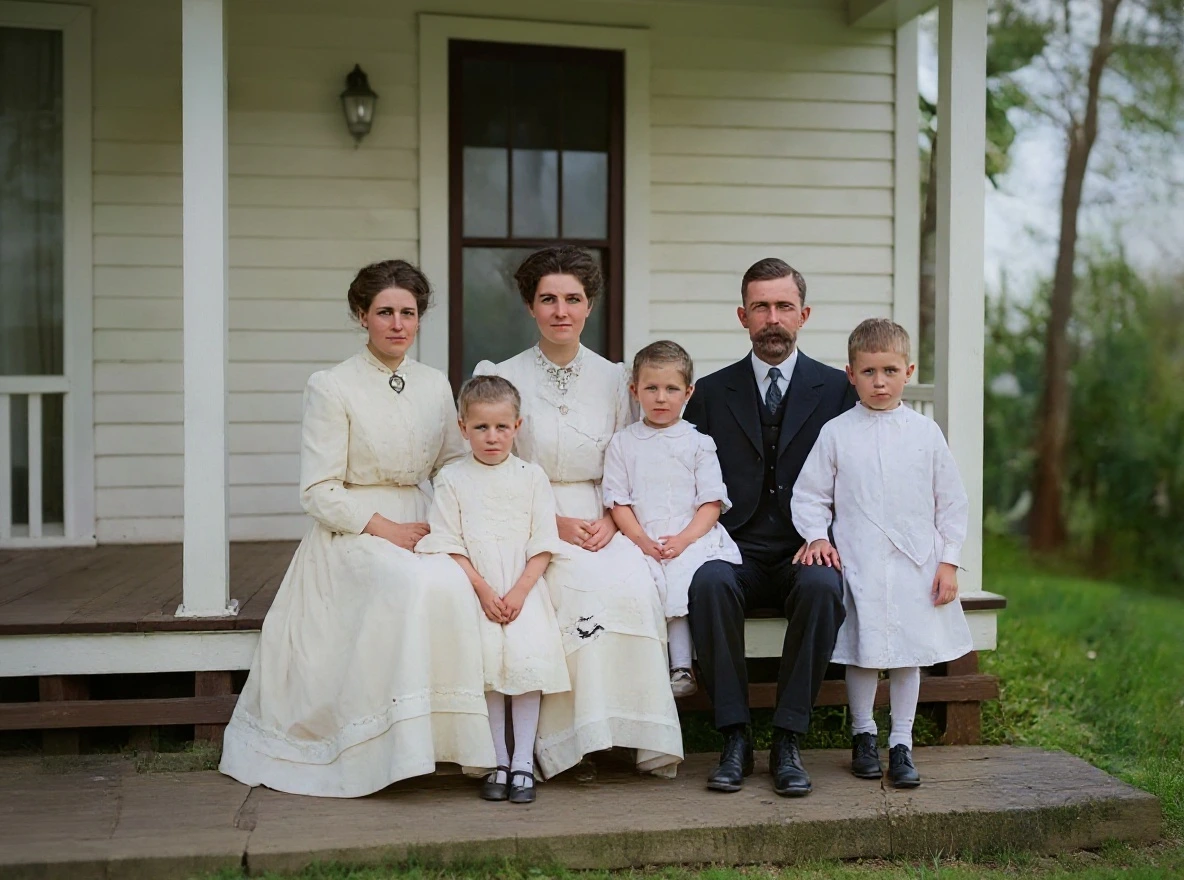
Gentle Smile
A gradual smile with restrained facial movement. Clear, front-facing portraits usually provide the best reference.
Works best on one clear, front-facing portrait. Always preview the clip against your original before sharing.


Animating from your phone without an app store download? Use our browser back-to-life photo app →
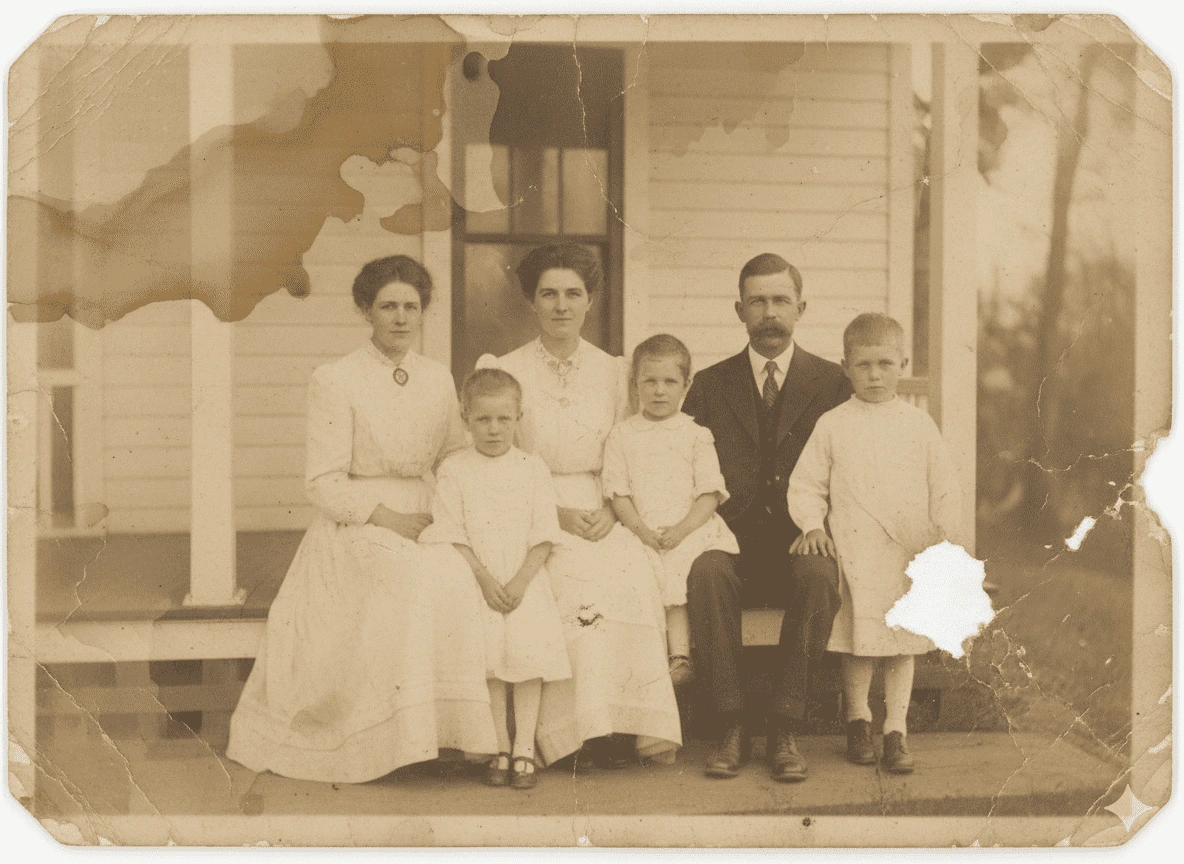

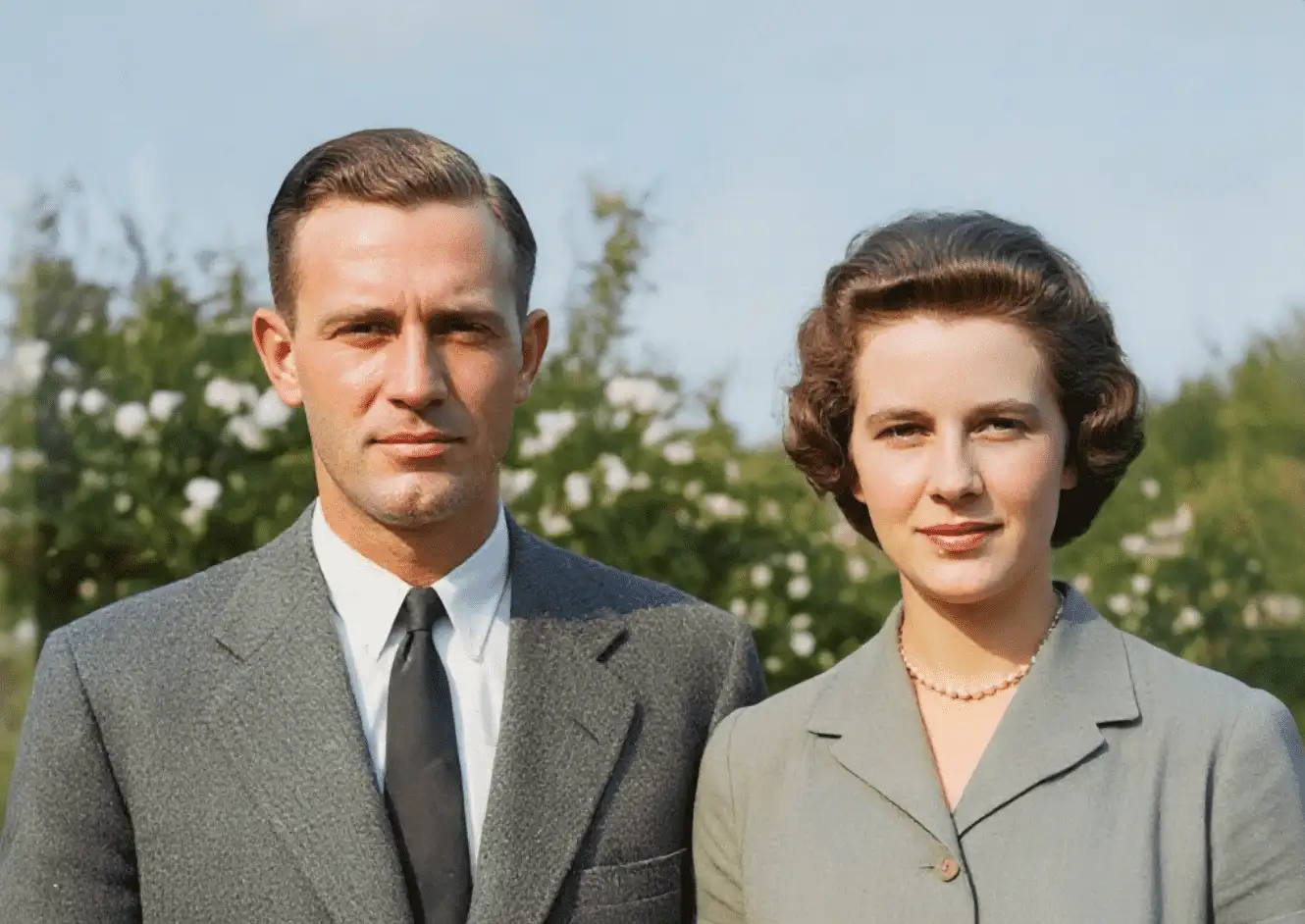
Scan your print flat or photograph it in even daylight. JPG, PNG and WebP files up to 10 MB work. A clear, front-facing portrait gives the motion engine the most faithful facial reference.
Choose from nine restrained styles—such as Warm Gaze, Gentle Smile, or Subtle Blink. Movement is deliberately restrained to protect genuine bone structure, eyelid crease, and authentic likeness.
Watch your five-second silent video in your private dashboard before downloading the high-definition MP4. Each animation costs 10 credits, and generated clips never expire from your account.
A gradual smile with restrained facial movement. Clear, front-facing portraits usually provide the best reference.
Adds a smile and attempts a short hand wave. Use a photo where the upper body and hands are visible for a more usable result.
Adds a blink and small head tilt while keeping the rest of the frame relatively still.
Adds a smile with eye and head movement. Review eye direction and facial details before using the clip.
Uses restrained eye movement and a slight smile for a quieter portrait animation.
Adds a small nod with limited background movement, suited to formal or tightly framed portraits.
Uses minimal breathing and facial movement when you want less change from the source image.
Adds soft eye movement and a small smile. Results are most predictable when faces are clear and similarly sized.
Adds speech-like mouth and facial movement without generating audio. It does not recreate the person's real voice or mannerisms.
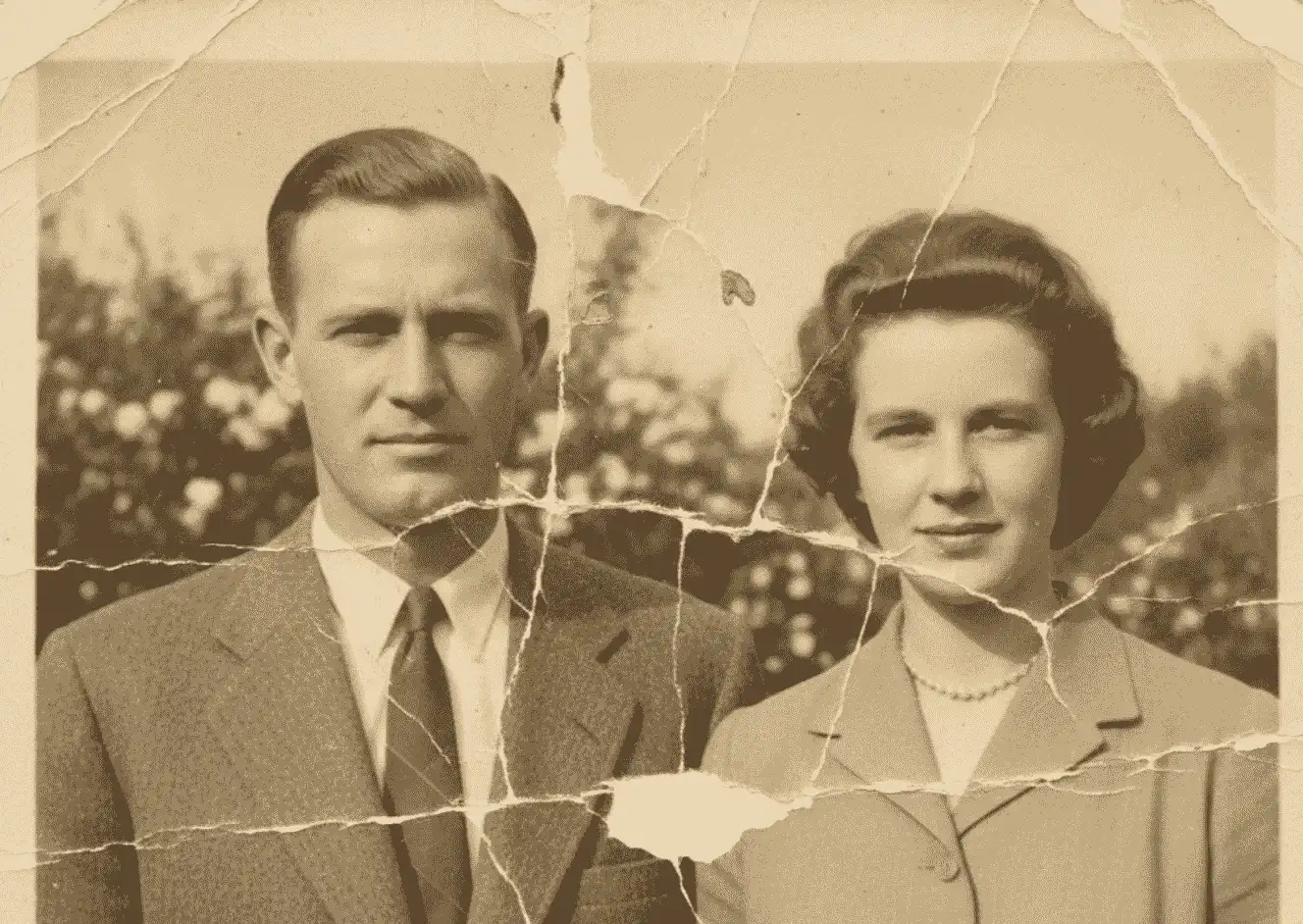
Start with old photo restoration (restore-only or with natural color) so eyes and facial contours are clean before adding motion.
Upload the restored still into Photo Animation to create a smooth five-second MP4 with natural blinking and steady borders.
Clear facial landmarks keep likeness steady
Restore torn, faded, or blurry prints first
Run a 1-credit restoration pass before animating so scratches and creases do not stretch across the face when motion starts.
Pick a clear, front-facing portrait
Visible eyes, nose bridge, and mouth contours give the motion engine stable facial landmarks and keep identity recognizable.
Match the preset to the original expression
Use Peaceful Presence, Soft Nod, or Subtle Blink + Head Tilt on formal portraits, and Gentle Smile or Warm Gaze on warmer snapshots.
Crop closer on group snapshots
When animating one grandparent from a crowded print, crop around their head and shoulders so the face fills more of the frame.
What causes warping or identity drift
Avoid animating heavy cracks across eyes or lips
Missing emulsion or deep fold lines across the face force the model to guess movement over damaged pixels.
Skip extreme side profiles or covered faces
Hands, hats casting deep eye shadows, sunglasses, or sharp 90-degree profiles limit natural blink and gaze motion.
Avoid exaggerated presets on solemn memorials
Forced waves or wide open-mouth smiles can invent generic teeth and feel out of place on formal wartime or funeral portraits.
Do not rely on tiny, pixelated crops
A face smaller than ~150 pixels across lacks enough real detail to animate cleanly without drifting away from the person.
Put natural movement behind a name on your family tree. Watching a restored 1920s great-grandparent blink or soften into a smile connects younger relatives to family history far more than a static census scan.
Create a quiet, dignified five-second clip for a private family keepsake or anniversary remembrance. Start with Peaceful Presence or Subtle Blink + Head Tilt so the movement stays respectful.
Export a watermark-free MP4 and preload it onto an Aura, Skylight, or Frameo digital frame for parents or grandparents. Restrained motion loops cleanly on a living-room shelf without feeling distracting.
Weave animated childhood and wedding portraits into 50th anniversary videos, holiday family group chats, and milestone tributes without learning complex video editing software.
Add restrained human presence to family documentaries, heritage school projects, and archival storytelling while keeping borders and backgrounds steady.
Need help choosing a preset for a solemn portrait or digital frame? Read our subtle vs. exaggerated animation guide.
Choose the smallest motion that fits the original expression—a soft blink or gentle smile usually preserves likeness far better than a wide wave or dramatic head turn.
Repair cracks, water stains, and blur before animating. Motion stretches whatever damage is already on the print, so a 1-credit restore pass noticeably improves the final video.
Always watch the clip beside the original photograph before sharing with family. If an eye, tooth, or expression shifts too far, keep the restored still or try a quieter preset.
| What matters | BringBack AI Pay once | Genealogy platforms | Mobile animator apps |
|---|---|---|---|
| Pricing model | Pay-once credit packs ($9.99 / 2 animations, $24.99 / 6). No subscription. | Recurring annual Photo or Complete subscription required after limited trial. | Weekly or yearly app-store subscriptions, or ad-gated free tiers. |
| Built-in restoration | Dedicated old-photo restoration & colorization (1 credit) in the same workflow. | Includes photo repair inside the subscription suite. | Basic beauty/selfie filters; rarely built for torn or creased prints. |
| Motion style | 9 restrained family presets (blink, gentle smile, warm gaze, soft nod). | Recorded driver sequences (Deep Nostalgia) & full-scene clips (LiveMemory). | Often defaults to exaggerated singing, dancing, or meme effects. |
| Device & install | Runs in Safari, Chrome, and desktop browsers—0 MB download. | Web + mobile app inside a full genealogy account. | Heavy iOS/Android app install with camera-roll prompts. |
| Output & privacy | Watermark-free HD MP4. Uploads deleted after 30 days; no public model training. | Broad genealogy account & tree storage policy. | Watermarks on free clips; varies widely by app publisher. |
Choose from presets such as Gentle Smile, Smile + Wave, Blink + Head Tilt, Warm Gaze, and Soft Nod. Preview the result because motion and likeness can vary.
Use a restored portrait in a family slideshow, memorial keepsake, or genealogy project when a short motion clip suits the story.
Download the generated five-second MP4 for personal slideshows, compatible digital displays, or family storytelling projects.
Photos are processed securely for the feature you request. Results stay in My Media while you use your account, and the photos you upload are deleted after 30 days. We do not use your family photos to train general-purpose AI models.
$4.99one-time
Low-risk way to restore a few important photos. Not enough credits for animation.
4 credits$1.25 each
Restores & portraits only · does not cover 10-credit animation
Restores up to 4 photos. Credits never expire.
$9.99one-time
Enough credits for restorations plus animation or family reunions.
20 credits$0.50 each
$5.00 an animation · up to 2 clips
Room for photo restoration plus an animation.
$24.99one-time
For whole albums and multi-person projects.
60 credits$0.42 each
$4.17 an animation · up to 6 clips
For whole albums and multi-person projects.
$49.99one-time
A portrait for every household on your list. On sale until 24 December only.
150 credits$0.33 each
$3.33 an animation · up to 15 clips
On sale until 24 December, 11:59 pm Pacific time, then it's gone.
Before you buy: each animation uses 10 credits, so the 4-credit Restoration Starter pack cannot fund an animation alone. Choose Value Pack ($9.99 / 2 animations) or higher.
Repair scratches, tears, and sepia fading while preserving authentic facial character.
Combine separate individual photos into one natural, high-definition family portrait.
Seamlessly insert a missing relative or passed loved one into an existing family snapshot.
Bring historical black & white photographs to life with historically accurate realistic colors.